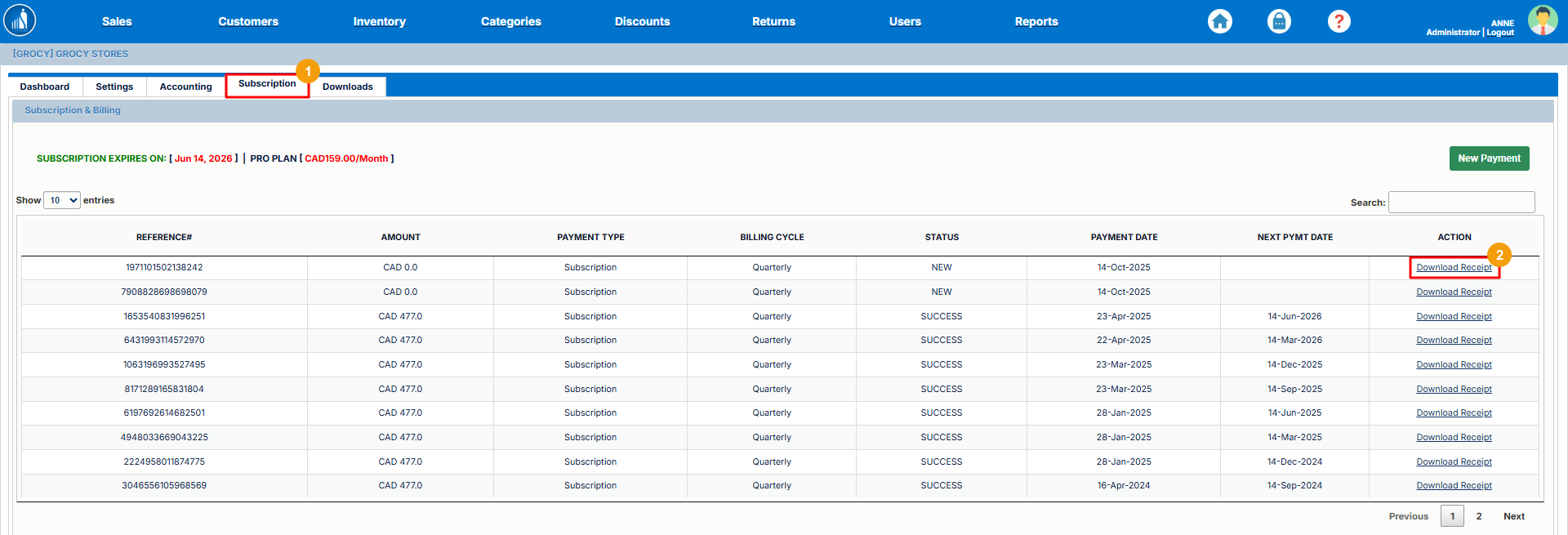
Subscription Management
The Subscription tab provides you access to your subscription settings and payment history. You can also make new payments from here.
How to Make a New Payment?
1. Go to the Subscription tab.
2. Click New Payment.
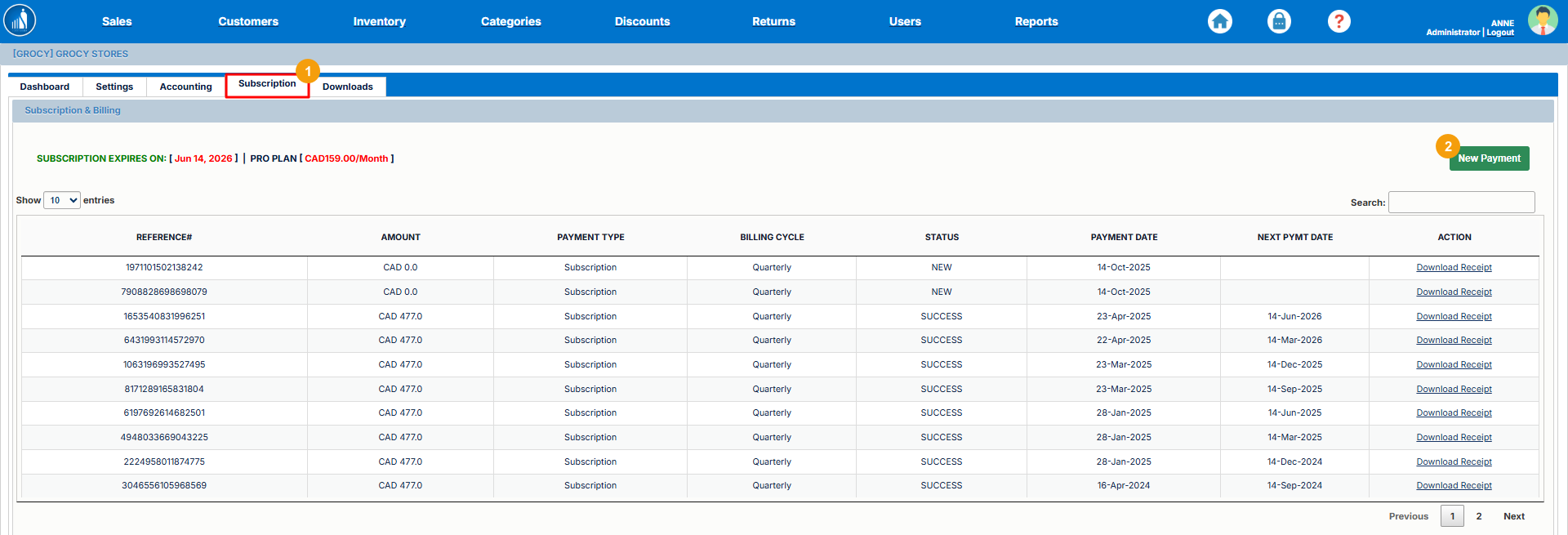
Complete the payment after verifying your account.
How to Download the Payment Receipt?
1. Go to the Subscription tab.
2. Click Download Receipt.