
Login
After completing the configuration, the Login Screen will appear, as shown below.
This screen allows authorized users to securely sign in to the Scantranx POS system.
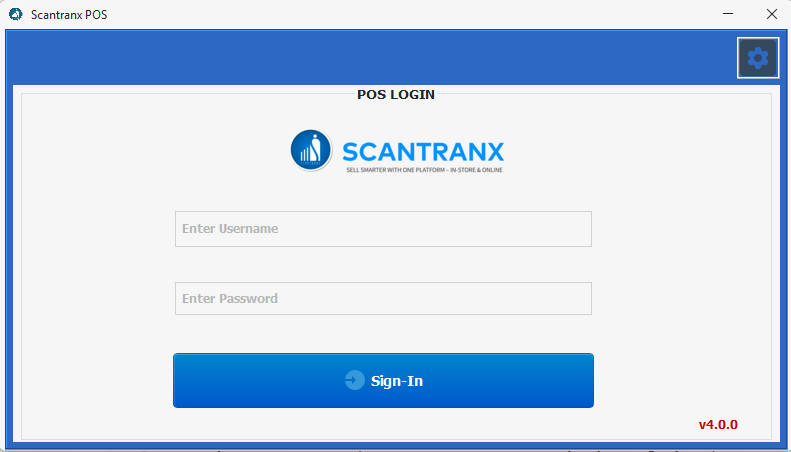
To log in:
-
Open the Scantranx POS application.
-
On the POS Login screen, enter the following details:
-
Username: The user ID assigned to you by your administrator.
-
Password: The password associated with your account.
-
-
Click Sign-In to access the POS system.
If your credentials are correct, the system will authenticate and take you to the Dashboard.
Tip:
If you forget your password, contact your system administrator or reach out to Scantranx Support at 📧 support@scantranx.comor 💬 WhatsApp: +1 (737) 276-7055 for assistance.
Note:
Always log out after your shift to maintain security and prevent unauthorized access.