
Login to the POS
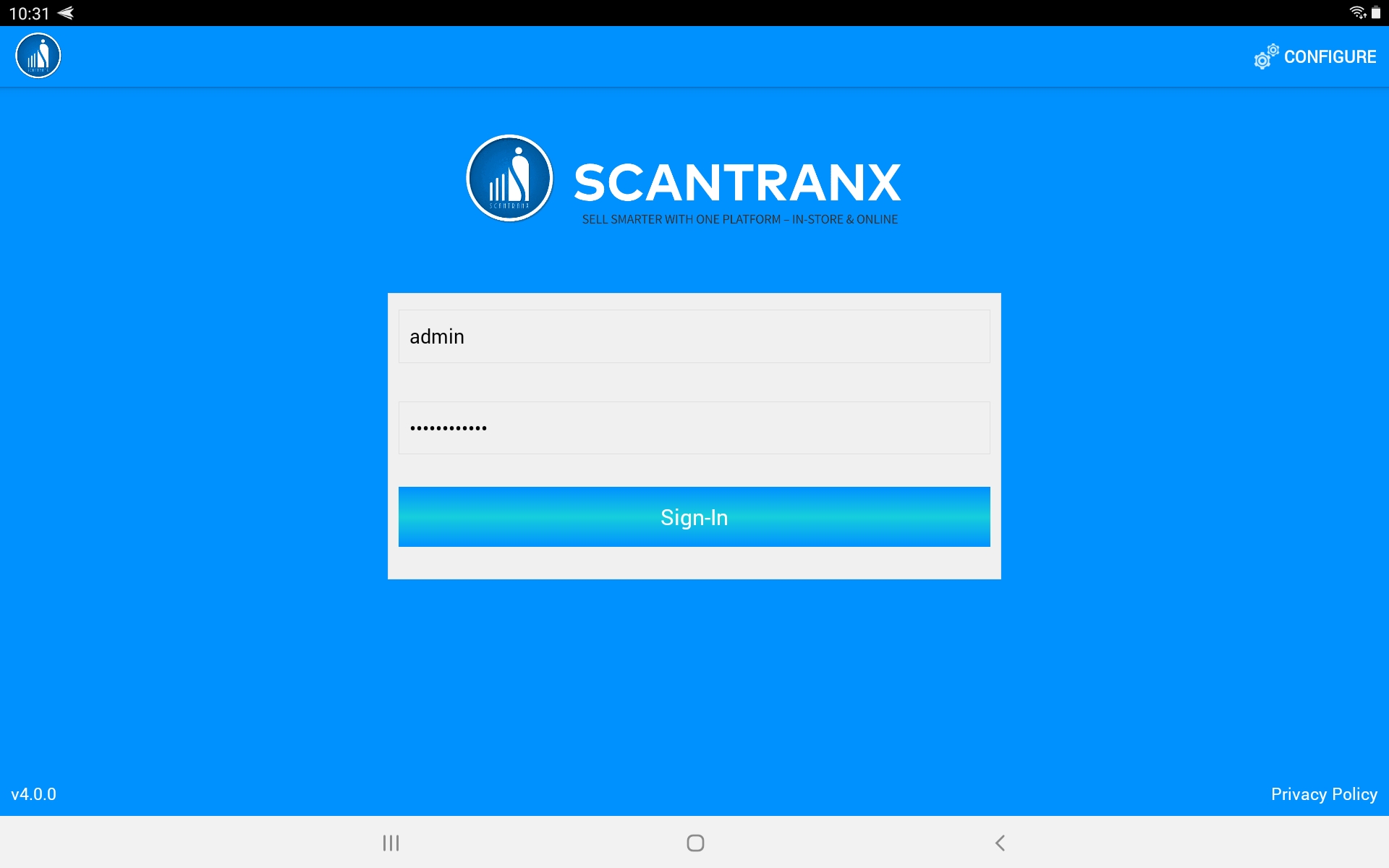
Once the configuration is complete, the next step is to log in to your Scantranx POS account. This ensures that all sales and activities are properly linked to your store account.
Steps to Log In:
-
Open the Scantranx POS app.
-
On the Login Screen, enter your Username (e.g., admin, cashier1, etc.).
-
Enter your Password.
-
Tap Sign-In to access the main POS dashboard.
-
After successful login, you’ll be directed to the Dashboard, where you can begin processing sales.
Tips:
-
Make sure your internet connection is active if using cloud mode.
-
If you forget your password, contact your store administrator or use the “Forgot Password” option (if enabled).
-
You can switch stores or reconfigure the app anytime by tapping the “Configure” button in the top-right corner.